1
Copy the VIX connector URL
You'll paste it in the next step.
https://mcp.vixsbl.com/mcpConnect VIX to your agent and generate, edit, and compose media directly from your prompts. Nothing to install and no API key to manage.
https://mcp.vixsbl.com/mcpSix things your agent can make on VIX, and what comes back when you ask.
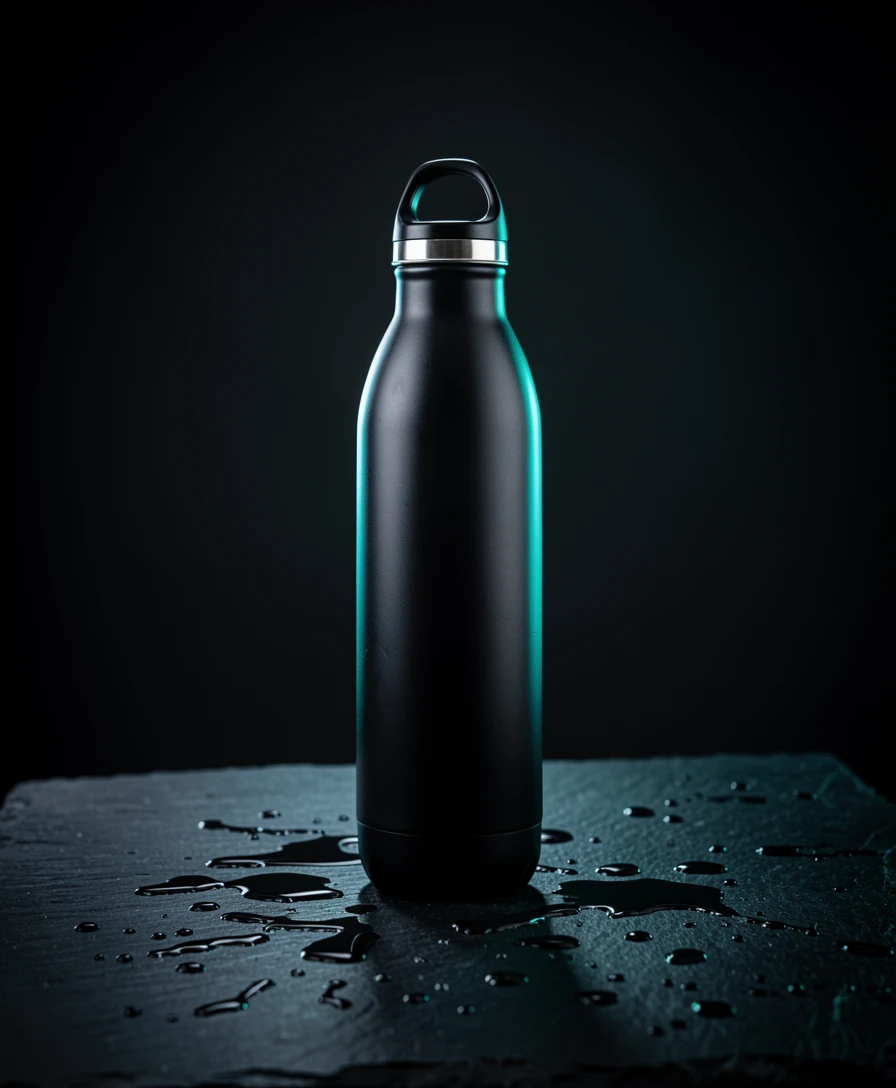
Make a 1:1 hero shot of a matte black water bottle on wet stone, soft studio light.
Cut the model out of this lookbook photo and hand me a transparent PNG.
Take this 720p frame up to 4K for the poster and clean up the noise.
Animate this product photo into a slow cinematic push-in with drifting mist.
Read this 30 second ad script in a warm voice and give me the audio file.
Generate a product shot, cut its background, and place it on a gradient backdrop.
Make images and video from a prompt, up to 4K, any aspect ratio, across a deep catalog of models.
Your agent chains steps and passes media between them, then returns a finished result, not one clip.
Generate speech, sound, and music your agent can fold into the same job.
Send a video, a recording, or a photo and your agent can transcribe it, describe it, and pull out the parts it needs.
Spin up thumbnails, clips, and variations without leaving the chat.
Generate on-brand assets and edits straight from a brief.
Cut out products, restyle scenes, and batch the boring parts.
Animate stills, test looks, and rough out shots in seconds.
Wire media generation into your own agents and scripts.
Add it as a custom connector in Claude or ChatGPT and paste the URL. Nothing to install and no key to manage. Terminal agents like Claude Code and Codex can use the CLI instead.
Claude on web, desktop, and mobile, ChatGPT with Developer mode on, and any MCP-compatible client via the connector URL. Terminal agents like Claude Code, Codex, Hermes, and OpenClaw use the published CLI.
Yes. Every upload and generated output comes back as a reusable handle, so your agent can feed one result into the next step or pick it back up later in the conversation.
Install the VIX skill with npx skills add soberbunnylabs/vix-skills. It teaches your agent when a task calls for VIX and comes with short lessons on chaining operations into a finished result.
No. You sign in with your VIX account through Claude's OAuth flow. The only thing to paste is the URL.
Images, video, audio, and edits, plus multi-step pipelines that combine them into a finished result.
Runs draw from your VIX plan's usage budget, shared across the app, the CLI, and every connected agent. No per-call credits.
Runs are asynchronous. Your agent submits a run and checks back, so nothing hangs while a render completes.
You approve the connection on a consent screen, and the connection only ever sees an operation request and returns a result.
Yes. The CLI is built for terminal and headless agents, and is published as @soberbunnylabs/vix-cli.
Paste one URL and your agent is wired into VIX.
https://mcp.vixsbl.com/mcp